A practical webinar that takes you through your first steps with Qoyod: setting up your organization account, configuring the basics, and getting ready to issue your first e-invoice with confidence.
What this webinar covers
- Creating your organization account and completing the basics
- Configuring tax, branches, and currency settings
- Setting up your opening chart of accounts
- Adding customers, suppliers, and products
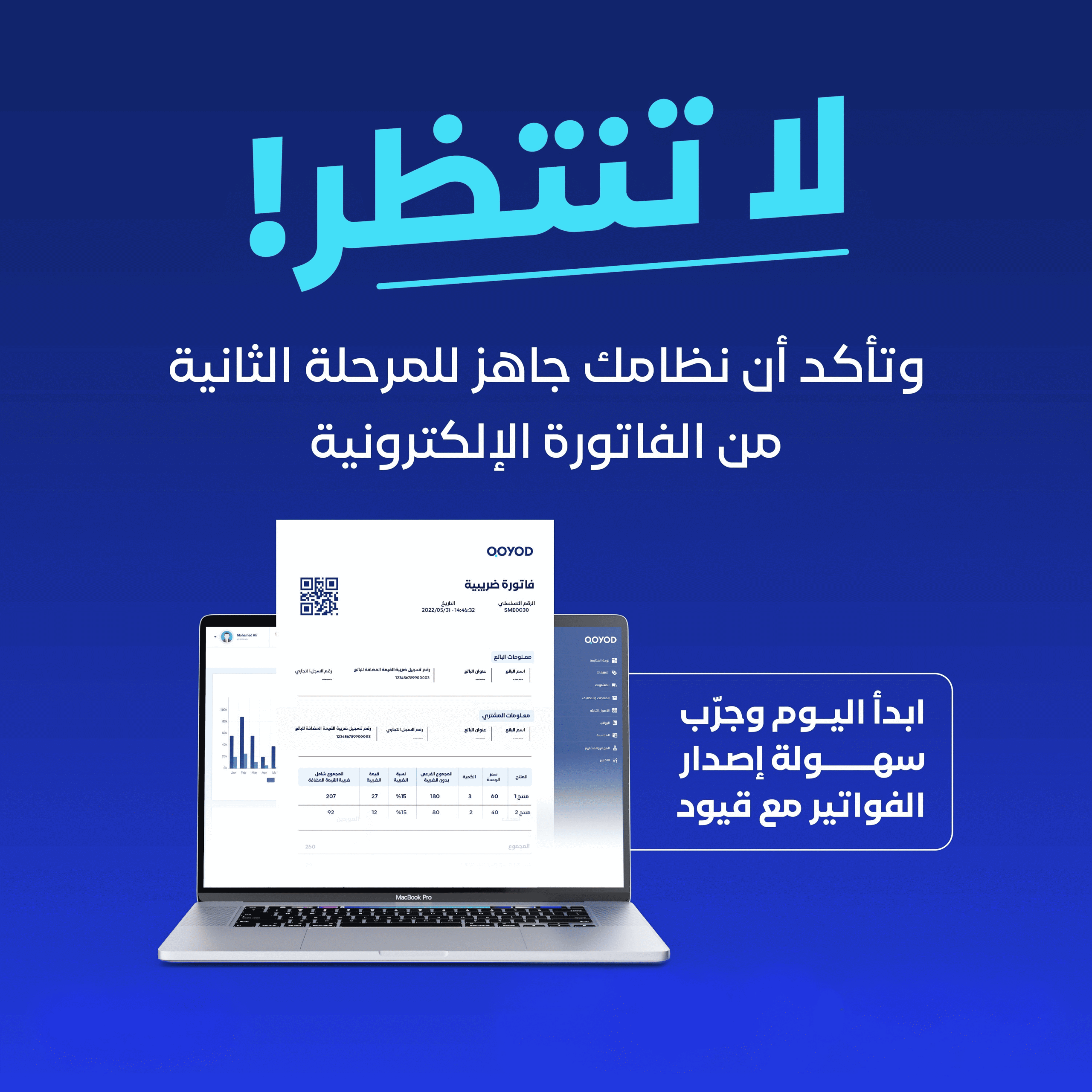
- Issuing your first compliant e-invoice
- Tips to avoid common mistakes when getting started
Who is this webinar for?
This webinar is for anyone who recently signed up to Qoyod and wants a correct setup from day one — no advanced accounting experience required.
Frequently asked questions
How long does it take to set up Qoyod?
You can complete the basic setup and issue your first invoice in a short time by following the steps shown in the webinar.
Do I need an accountant to set up the system?
No. The basic setup is simple and business owners can complete it themselves, with the option to involve an accountant for advanced cases.
Are Qoyod Academy webinars free?
Yes. All Qoyod Academy webinars are completely free and available to watch any time.
What Attendees Say
Thank you so much, the explanation was clear and thorough.
Keep up the great work. I learned a lot from the payroll webinar.
Excellent. I really benefited from the simple, clear explanation.