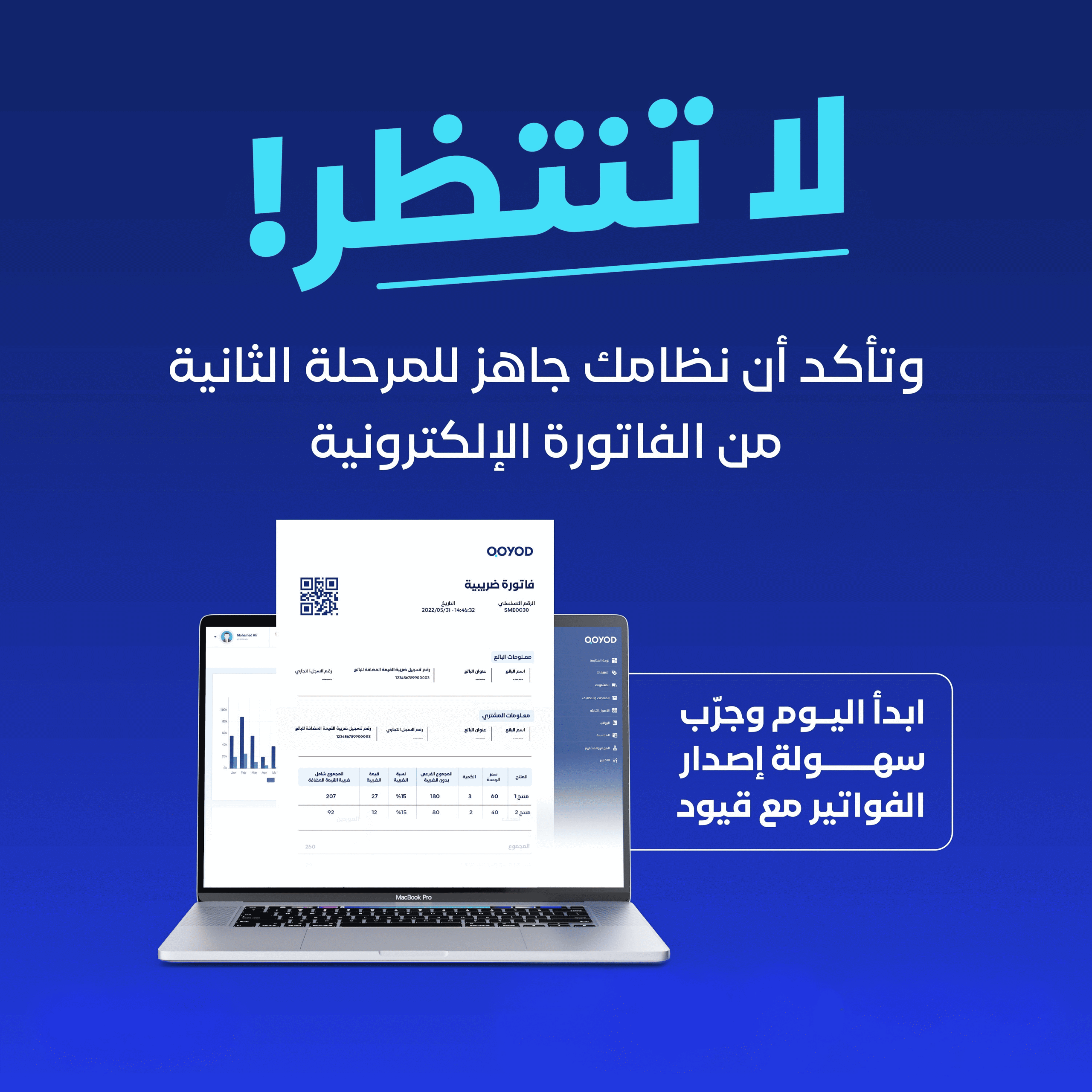
This webinar explains how to customize your invoice design in Qoyod to reflect your brand identity — including the logo, colors, and the fields shown on the invoice.
What this webinar covers
- Invoice template customization options in Qoyod
- Adding your business logo and details to the invoice
- Controlling the fields and information that appear
- Aligning the design with e-invoicing requirements
- Previewing the invoice before approving it
- Saving the template and using it for all invoices
Who is this webinar for?
This webinar is ideal for business owners who want professional, branded invoices while staying compliant with regulatory requirements.
Frequently asked questions
Can I add my business logo to the invoice?
Yes. Qoyod lets you add your business logo and details so they appear on the invoice.
Does the design stay e-invoicing compliant?
Yes. Qoyod keeps the legally required elements on the e-invoice no matter how you customize the design.
Are Qoyod Academy webinars free?
Yes. All Qoyod Academy webinars are completely free and available to watch any time.
What Attendees Say
Thank you so much, the explanation was clear and thorough.
Keep up the great work. I learned a lot from the payroll webinar.
Excellent. I really benefited from the simple, clear explanation.