
Qoyod is pleased to announce a new POS feature that helps track printed copies of invoices and receipts.
What’s new?
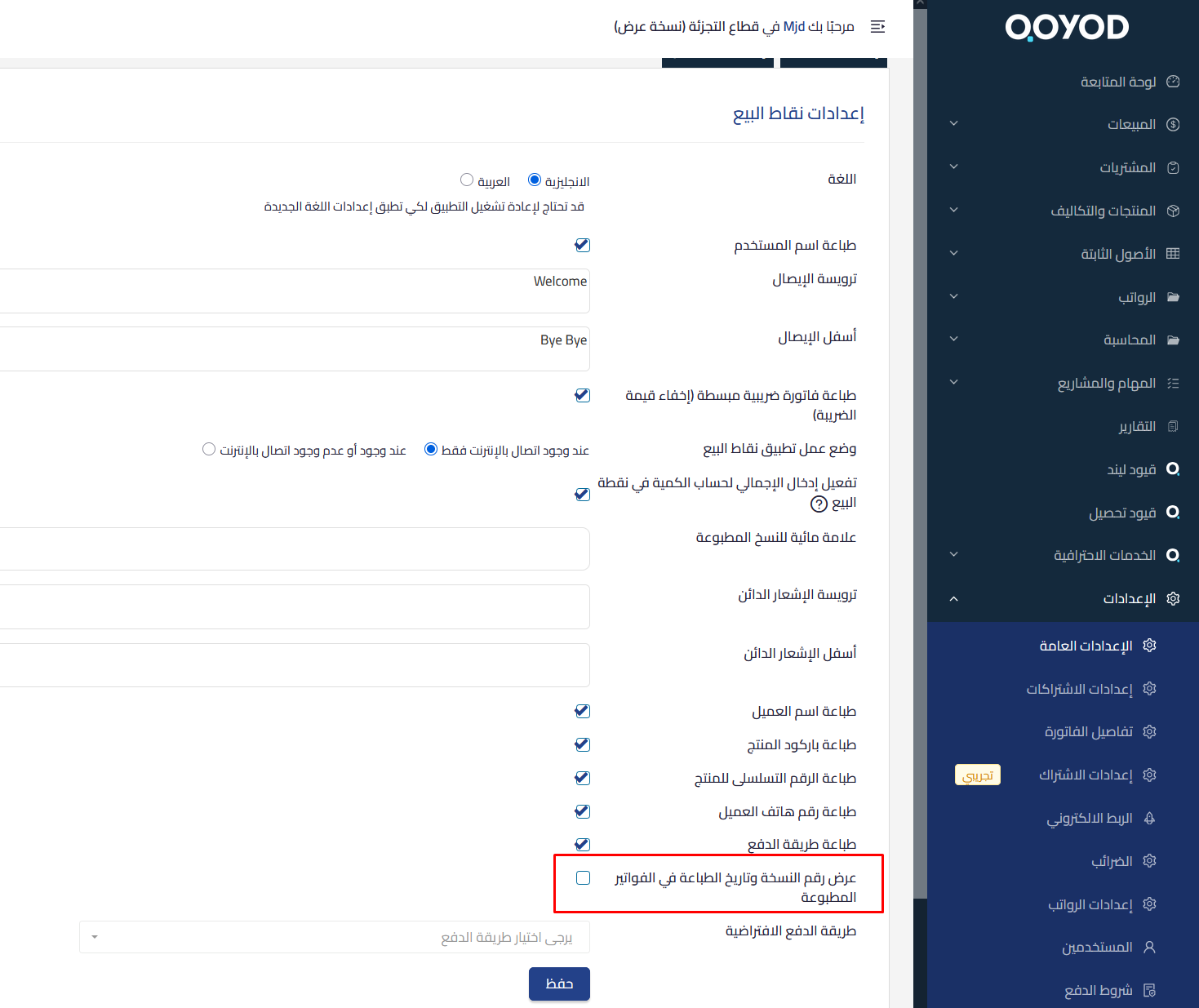
- Display the copy number and print date and time on printed receipts
- A new setting in POS settings to enable or disable the feature
- The setting is disabled by default
- Works on both the Android POS app and on the web
How to use it
- Go to POS settings
- Enable the option to show Copy # and Print Date
- The details will appear automatically when printing
Explore more about Qoyod POS system and its advanced capabilities.