
A new update to the point of sale settings lets you customize the reference used on invoices and receipts, and optionally display the main Qoyod reference number on printed receipts to make it easier to link and review transactions.
Key improvements
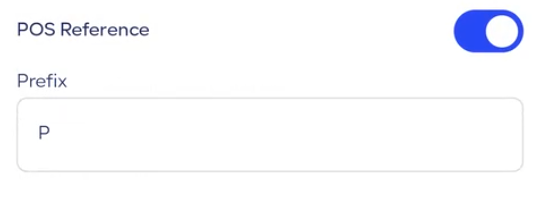
Custom POS reference
- Change the default reference prefix to any value that suits the branch or store’s workflow
- Configured from the POS settings independently for each location
- The custom prefix applies to all invoices and receipts issued after saving
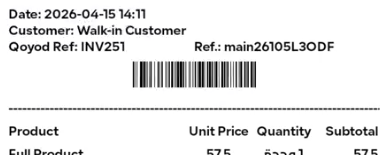
Show main Qoyod reference on printed receipts
- Option to display the main Qoyod reference number on the printed receipt alongside the POS reference
- Makes it easier to match the receipt to the original invoice during review, returns, or inquiries
- Enabled from the print settings without needing to manually edit the template

Learn more about the features of Qoyod accounting system.