
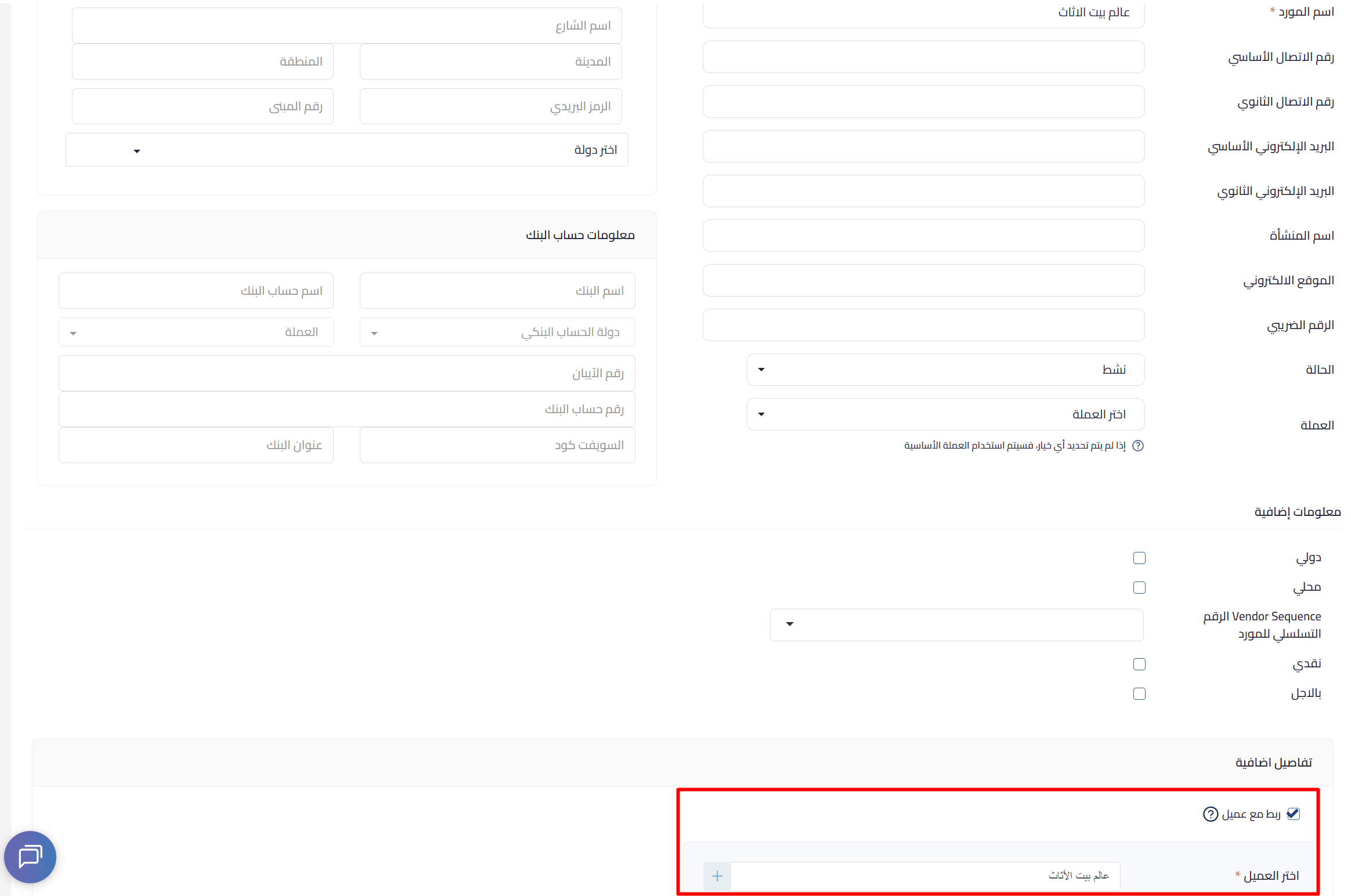
You can now link a customer to a vendor under the same account in Qoyod, treating the contact as a single entity with a dual role.
What’s new
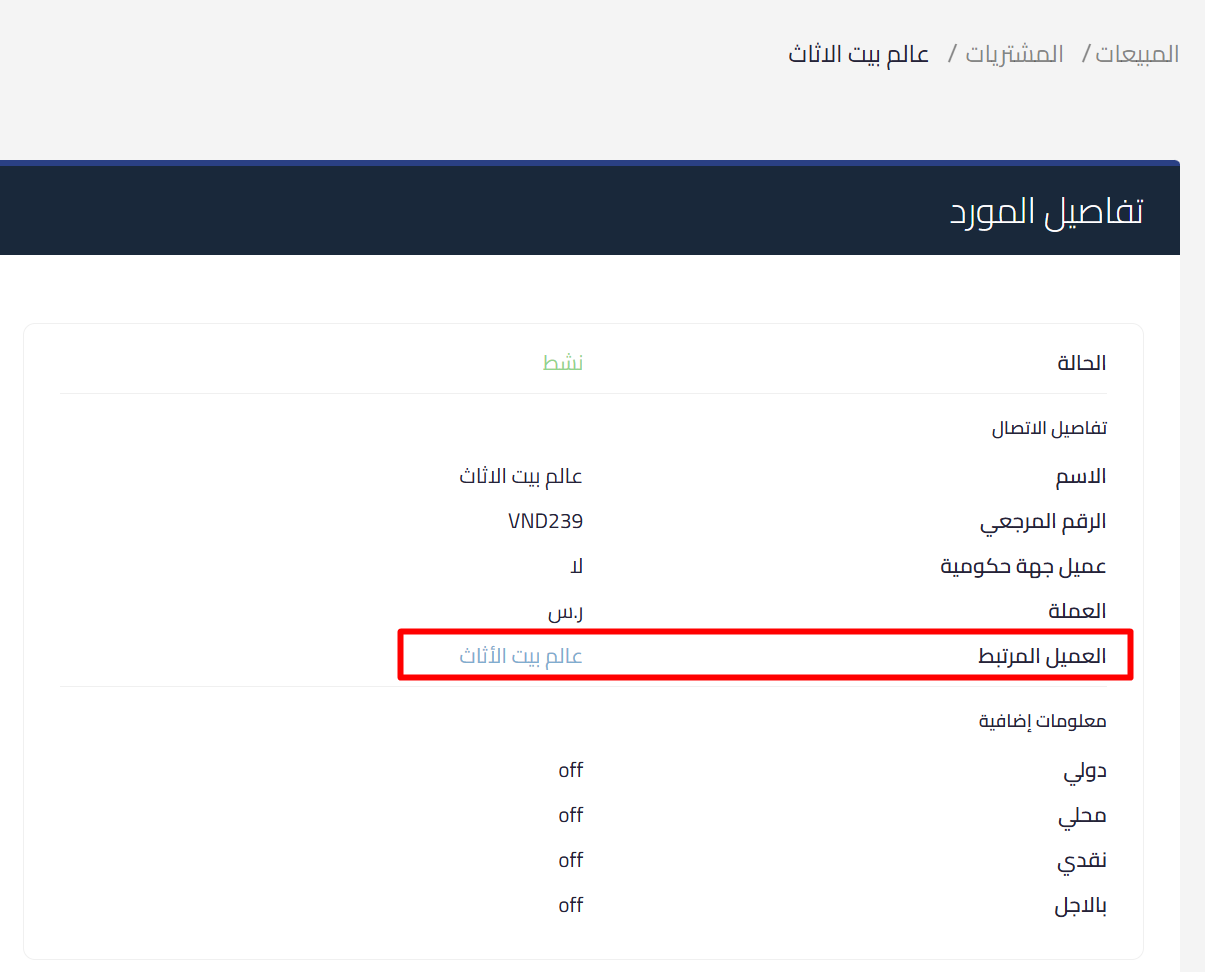
- The contact’s status is shown as customer + vendor on the detail page
- The link is recorded automatically in the activity report
- Navigate directly between the customer profile and the vendor profile
How to link
- Go to add or edit a vendor
- Click Link to customer
- Search for the customer or add a new one
- Select the contact and click Save
Direct benefit
- Easier management of contacts with two roles
- Reduced data duplication
- Improved reconciliation accuracy
Learn more about Qoyod and managing customers and vendors with ease.