
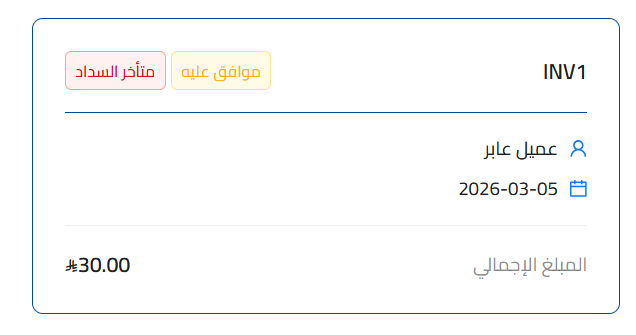
A new update to the POS invoice experience adds automatic tags that reflect the actual status of each invoice as soon as any action is completed, with no input required from the user.
Key improvements
Automatic tags based on invoice status
- The tag is applied automatically as soon as the associated condition is met
- No user action is needed to add or update the tag
- The tag updates immediately when the invoice status changes
Supported tag types
| Tag | When it appears |
|---|---|
|
Overdue |
The due date has passed with no full payment |
|
Returned |
A credit note for the full amount has been issued |
|
Partially Returned |
A credit note for a partial amount has been issued |
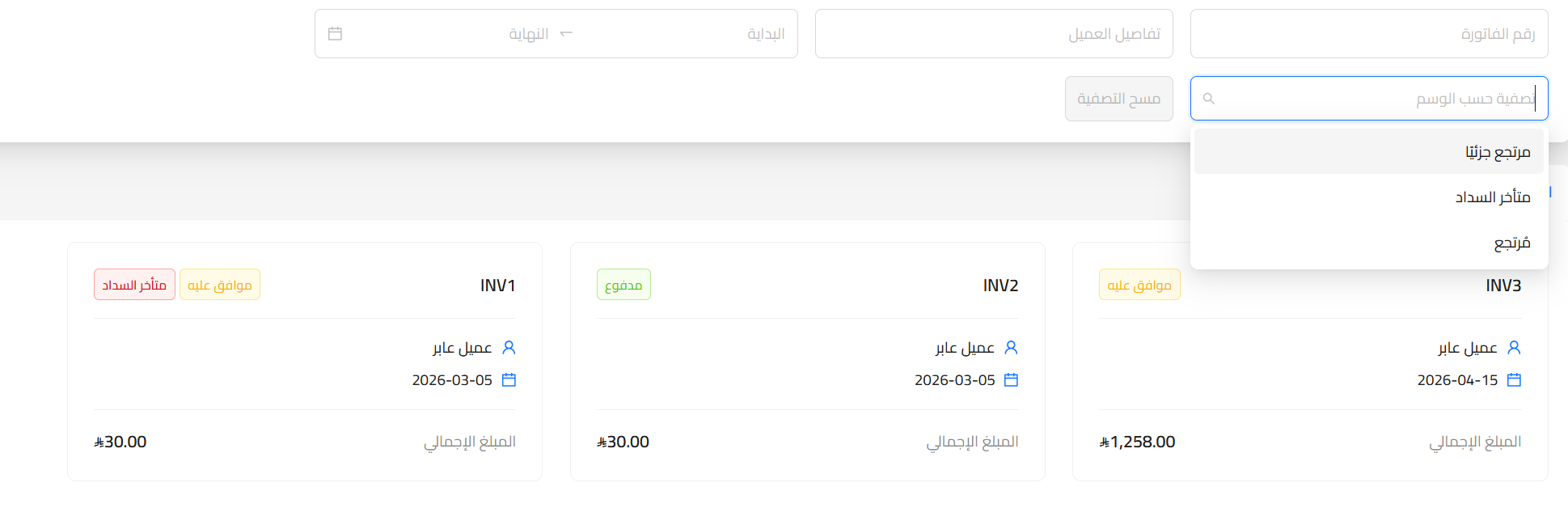
Filter invoices by tag
- The invoice list can be filtered by tag type
- Quick access to invoices that need follow-up, such as overdue and returned ones
- Less time spent reviewing invoices manually
Learn more about the features of Qoyod accounting system.