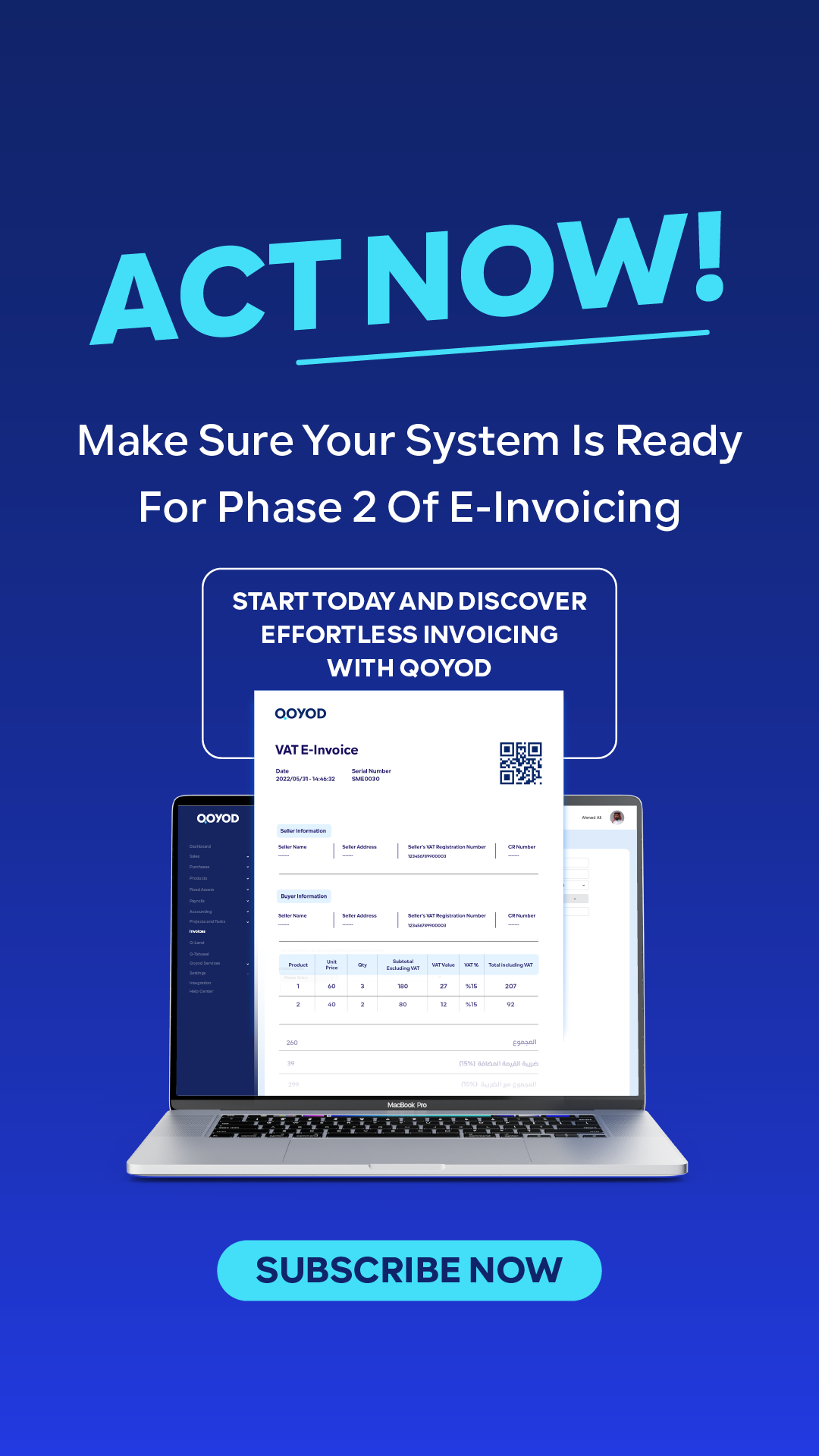
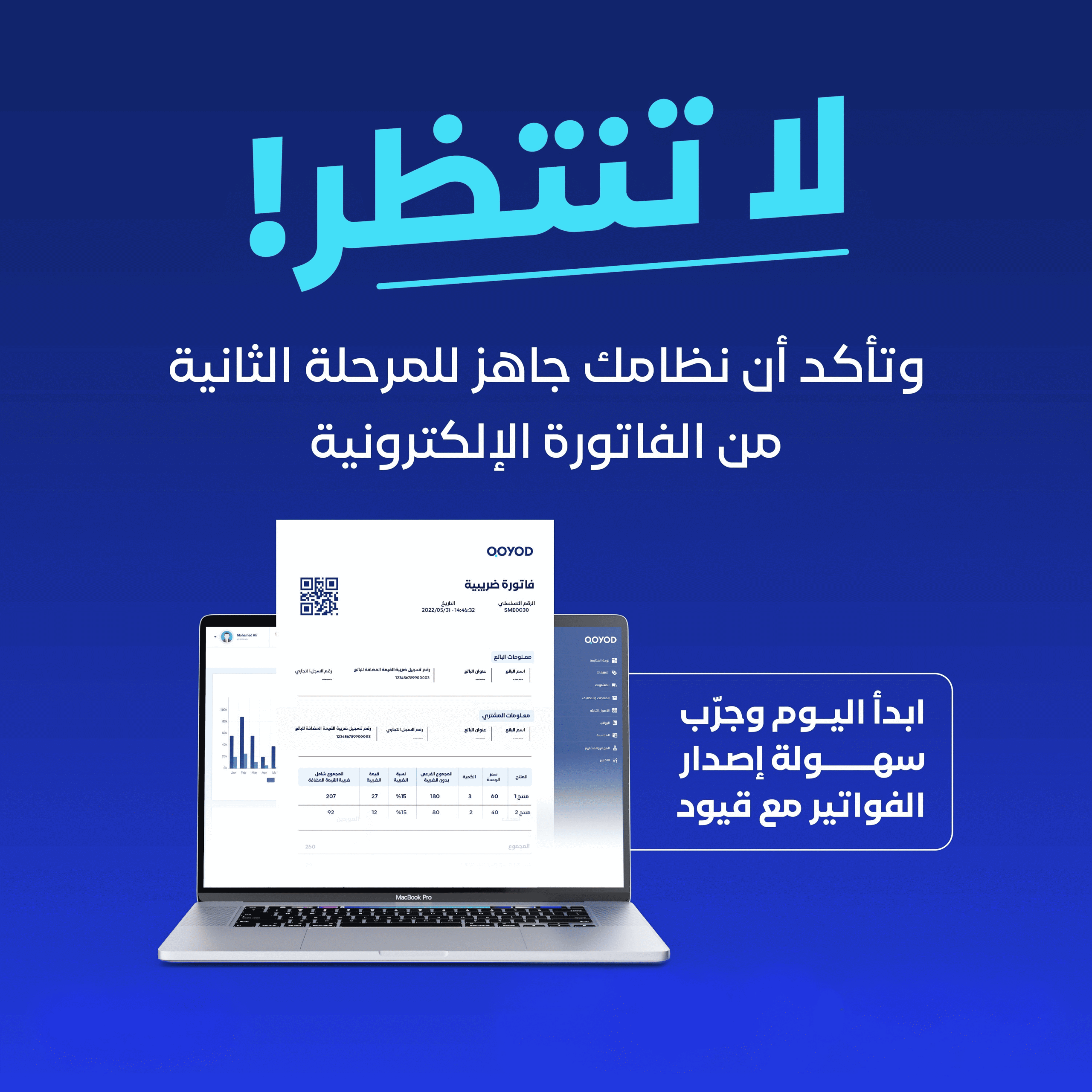
Technical integration with the FATOORA platform is no longer a postponable choice for Saudi businesses. With Phase 2 waves expanding through the end of 2026, every establishment whose annual revenue exceeds SAR 375,000 will be targeted by the technical mandate within the next few months. This guide is built for accountants and developers who need a deep understanding of the integration flow, CSID certificates, and the official APIs of the Zakat, Tax and Customs Authority (ZATCA) — paired with a practical checklist to prevent the most common rejection errors.
Why integration matters in 2026
Why Now? The 2026 Wave Pressure on Mid-Sized Businesses
Since Phase 2 launched in December 2022, ZATCA has rolled out successive waves of taxpayers subject to technical integration. By Q1 2026, the number of announced waves passed 24, covering establishments with the largest annual revenues. Upcoming waves before the end of 2026 are expected to cover establishments whose annual revenue exceeds only SAR 375,000. That means tens of thousands of Saudi businesses will fall inside the mandate within months.
Waiting until the wave notification arrives, then starting the technical work, is a classic mistake that costs businesses cumulative fines and operational delays. The right approach is to begin technical preparation at least six months before the notification — so that by the deadline you have passed every test and are production-ready. You can review every wave in detail in our guide to Phase 2 of E-Invoicing.
What Is Technical Integration with FATOORA?
Technical integration is the process of connecting your accounting system (an ERP or POS) to the official FATOORA APIs approved by ZATCA. Once integrated, every tax invoice issued from your system is transmitted to the platform within seconds of creation. ZATCA receives it, stamps it electronically, and returns it signed to your system before delivery to the customer.
The goal of this integration is to ensure that every electronic invoice issued in the Kingdom of Saudi Arabia is subject to real-time inspection by the Authority, raising the level of tax compliance and shrinking the room for fraud or manipulation. Integration is the foundation stone of Phase 2 — your business cannot be considered technically compliant until it is in place.
Core Components of Technical Integration
1. The CSID Certificate (Cryptographic Stamp Identifier)
This is the unique digital certificate ZATCA issues for every invoice-issuing device inside your business. It acts as an “ID card” for the accounting system in front of the platform, and is used to digitally sign every invoice before transmission. Its key properties:
- The certificate is bound to a single device — it cannot be shared between two branches or two systems.
- It is valid for one year, after which it must be renewed via the ZATCA portal.
- It is issued after passing 12 compliance tests in the Sandbox environment.
- It is stored encrypted inside the accounting system and cannot be exported as an open file.
2. The Sandbox Environment
An official simulation environment provided by the Authority that lets developers submit test invoices and verify they match the standard before moving to production. A specific battery of tests must pass in this environment before a production CSID is granted:
- Issuing a tax invoice with a value above SAR 1,000.
- Issuing a simplified tax invoice with a complete QR code.
- Issuing a Credit Note linked to a prior invoice.
- Issuing a Debit Note with the correct tax reason.
- Handling three special cases: an export invoice, a domestic invoice, and a foreign-currency invoice.
3. The Official ZATCA APIs
The platform relies on three main APIs, each serving a specific purpose:
- Compliance API — used during the Sandbox stage to verify the conformity of test invoices before the production certificate is granted.
- Production API — Reporting — used for simplified invoices (B2C); the invoice is reported within 24 hours of issuance.
- Production API — Clearance — used for tax invoices (B2B); the invoice is sent immediately to receive ZATCA’s stamp before it is handed to the customer.
The Practical Steps to Integrate from Scratch
From wave notice to first cleared invoice
Step 1: Complete administrative registration
Before any technical step, your business must have completed registration in the e-invoicing system and received official confirmation of inclusion in the current Phase 2 wave. This registration includes verifying the tax number, commercial registration, and main activity of the business.
Step 2: Pick a ZATCA-approved solution
Only solutions registered in the official approved e-invoicing solutions list are permitted. Attempting to build an internal solution without formal approval exposes the business to rejection by the Authority, even if the invoices technically match the standards.
Step 3: Generate a Certificate Signing Request (CSR)
Inside your accounting system, generate a Certificate Signing Request that contains the business data: commercial name, tax number, address, and activity type. The CSR must comply with the X.509 standard and be generated with a key length of at least 256 bits.
Step 4: Activate the Sandbox environment
Upload the CSR file to the ZATCA portal and receive a temporary test certificate. Use this certificate to run all 12 compliance tests mentioned above. Every test must pass without exception before moving on.
Step 5: Request the production certificate (Production CSID)
After passing Sandbox, the Authority issues a production certificate valid for three years. Store it encrypted inside your accounting system and never export it as an open file under any circumstances.
Step 6: Move to production and issue the first official invoice
Once the production certificate is installed, issue your first official invoice that complies with the approved e-invoice format. Watch the submission logs carefully during the first week to catch any early errors.
The Most Common Error Codes in Technical Integration
From supporting hundreds of businesses during previous waves, here are the most frequent error codes and how to resolve them:
- BR-SA-F01 — using a CSID on a device that is not authorized for it. Fix: issue a separate certificate for each device.
- BR-KSA-02 — invoice sent more than 24 hours after generation. Fix: enable a cron job every 15 minutes to guarantee immediate submission.
- VR-08 — the calculated VAT value does not match the expected value. Fix: use a VAT calculator to verify before sending.
- VR-11 — Base64 encoding of the invoice is malformed. Fix: ensure your system uses a standard encoding library and does not add trailing whitespace.
- BR-SA-F04 — duplicate sequential number across two different invoices. Fix: review the numbering logic and guarantee no number is reused.
- BR-KSA-22 — the timestamp does not sync with Saudi time. Fix: point NTP servers at pool.ntp.org and confirm the timezone is Asia/Riyadh.
Pre-Launch Checklist for Technical Integration
- Confirm your accounting solution is officially approved by ZATCA.
- Complete registration in the e-invoicing system and receive the wave notification.
- Review business data (Arabic name, tax number, address) and match it against the Authority’s records.
- Pass all 12 Sandbox tests without exception.
- Issue a separate CSID for every invoice-issuing device and every branch.
- Enable NTP sync on your servers and set the timezone to Asia/Riyadh.
- Test issuing a simplified tax invoice and generate a matching QR code.
- Use a QR-code reader to confirm the code on every issued invoice is readable.
- Set up a retry mechanism for cases where the connection to the platform drops.
- Prepare audit logs to record every submission attempt and its result.
Free Templates and Tools to Support Your Integration Journey
Before completing the official integration, Qoyod offers a bundle of free templates and calculators so you can rehearse the invoicing flow locally:
- Invoice template — covers the small-business and freelancer use cases.
- VAT calculator — to calculate the tax value precisely.
- Tax-invoice reference — a quick lookup for the 17 fields required by Phase 2.
- Simplified tax invoice reference — to keep B2C invoice rules straight.
- Tax-compliance glossary — for everyone in the finance team to align on terms.
How Qoyod Simplifies Technical Integration with FATOORA
By adopting Qoyod as your officially ZATCA-approved accounting solution, every complex technical step above collapses into three clicks inside the settings screen. The platform automatically:
- Generates the CSR and sends it to the Authority without any manual step.
- Runs the Sandbox compliance tests in the background without a dedicated developer.
- Stores the CSID certificate encrypted inside approved servers.
- Retries intelligently when the connection to the platform drops.
- Generates complete audit logs for every invoice sent.
- Surfaces immediate alerts when any error appears, with a suggested fix.
This level of automation is why Qoyod’s invoice delivery success rate exceeds 99.6% in Q1 2026, compared with an average of 92% in solutions that require manual intervention.
Start your free trial and connect to FATOORA in one click
Practical Recommendations for IT and Accounting Leads
Based on our experience supporting businesses through successive ZATCA waves, these are the recommendations that secure a smooth transition:
- Do not delay starting. From the moment the wave notification arrives, you have just six months. Start integration in the first month, not the last.
- Use servers inside the Kingdom. Invoices must be stored locally for at least six years; external servers can put you in violation.
- Keep an encrypted backup of the CSID. Losing the certificate means redoing the tests from scratch — define a secure backup policy.
- Monitor submission logs daily for the first month of production to correct any error early before rejected invoices stack up.
- Train the accounting team on the difference between a tax invoice and a simplified one, and on when each is used.
- Enable automatic QR-code verification on supplier invoices before booking them in your ledgers.
When Do You Need an External Integration Consultant?
Most cases are solved using an approved solution like Qoyod with no need for an external expert. But in rare cases you may need specialised technical consulting:
- When you operate more than 10 geographically scattered branches with different POS systems.
- When you need to integrate with a custom ERP that is not on the ZATCA approved list.
- When you face special cases such as multi-currency invoicing or frequent export operations.
- When you must comply with other parallel standards (such as IFRS) that demand additional customization.
KPIs to Monitor After Go-Live
Many businesses think technical integration ends the moment they issue their first successful invoice. In truth the most important phase starts at that moment: monitoring and maintenance. These are the indicators we recommend tracking weekly inside your accounting dashboard:
- Invoice delivery success rate. Must not drop below 99% in normal operations; anything lower signals a structural problem.
- Average response time from FATOORA. Should stay below two seconds; exceeding that points to network congestion or misconfiguration.
- Number of rejected invoices classified by error code. Periodic analysis surfaces patterns you can fix at the source.
- Remaining CSID validity. Set an alert 60 days before expiry to avoid any service interruption.
- Retry counts. A rising retry number reflects weak connection stability.
Automating these indicators and emailing weekly reports to finance and IT leads stops issues from piling up and turns technical integration into a professionally managed process — not a one-time install.
Special Cases That Need Extra Attention
Under normal conditions, integration flows smoothly, but a handful of operational situations need different handling:
1. Foreign-currency invoices
When your business issues an invoice in US dollars or euros, the invoice must include the official Saudi Riyal exchange rate for the day of issuance, along with the source of the rate (typically the Saudi Central Bank, SAMA). Ignoring this requirement triggers error BR-KSA-28 and the invoice is rejected. Qoyod handles this automatically by pulling SAMA’s daily exchange rates.
2. Export Invoices
Export invoices follow a different VAT treatment (zero-rated) and need a specific code in the VAT Category field that signals the international nature of the transaction. They also need a digital customs declaration linking the invoice to the export number. The common mistake is applying the 15% rate to an export invoice, which clashes with the customs records and exposes the business to a full tax review.
3. Credit and Debit Notes
A Credit Note is issued to cancel or reduce the value of a prior invoice and must include a clear reference to the original invoice number and its UUID. A Debit Note is used to add an amount to a prior invoice. Both pass through the same APIs as invoices and need an independent CSID signature. Failing to link the note to its original invoice has been one of the most common errors in recent waves.
4. Recurring invoices and subscriptions
Businesses operating a subscription model (SaaS, insurance, maintenance) need automatic monthly or quarterly issuance cycles. With Qoyod, recurring invoices can be scheduled so they are issued and submitted to FATOORA without any human intervention, with a unique UUID and QR generated for each invoice. The risk here lies in misnumbering on plan changes — document your numbering policy carefully.
5. B2G Invoices (Government entities)
Invoices directed at government entities require, in addition to the tax-invoice requirements, an additional field for the Purchase Order number and the government contract number. New government contracts since the beginning of 2026 reject any invoice that does not fully comply technically, which makes integration a commercial requirement, not just a regulatory one.
Cybersecurity Best Practices During Integration
Because integration involves exchanging sensitive financial data and encryption keys, strict security practices are a necessity, not a luxury:
- Encrypt the CSID certificate at rest. Use AES-256 to store the certificate inside the database; never store it as a text file on the application server.
- Rotate API keys every 90 days. Even without a security incident, key rotation is a healthy preventive habit.
- Log every CSID access attempt. Every access must be recorded in an immutable log.
- Isolate production from development. Production certificates must never be used inside development environments under any circumstance.
- Monitor repeated failures. More than 5 failed attempts in one minute from the same device may indicate a breach attempt — trigger an immediate alert.
- Enable two-factor authentication on the ZATCA portal, especially for accounts allowed to generate new certificates.
- Review audit logs monthly for unusual patterns in submission timing or amounts.
Qoyod provides every one of these practices automatically with no setup, removing the burden of managing invoicing-layer security from the IT team.
Build In-House vs Buy an Approved Solution
Before deciding to invest in an in-house integration or to rely on a ready-made solution like Qoyod, weigh the following:
In-House Build
- Requires a team of 3 to 5 developers with specialised expertise in cryptography and SOAP/REST APIs.
- Average time to delivery: 6 to 9 months from requirements study to production.
- Estimated cost: SAR 250,000 to 750,000 for the first year, including salaries, servers, and certificates.
- ZATCA regulation updates demand continuous maintenance (roughly every 6 months).
- Full responsibility for compliance and security sits with the business alone.
Approved Ready Solution (such as Qoyod)
- No specialised in-house technical team needed.
- Time to production: a single business day.
- Annual subscription cost starting from a few thousand Riyals, depending on company size.
- Updates are pushed automatically to every customer when new regulations are released.
- Legal responsibility for technical compliance is shared between the provider and the business.
For mid-sized businesses, the ready-made solution is the more rational option in terms of total cost of ownership (TCO). Larger businesses with more than 50 branches may need a blend of both, using a custom integration layer that leverages Qoyod’s APIs without rebuilding the ZATCA layer from scratch.
Frequently Asked Questions About Technical Integration
Can I use the same CSID across two different branches?
No. Each branch and each device needs a separate certificate. Sharing a certificate produces error BR-SA-F01 and halts invoice issuance.
What happens if the internet drops while sending an invoice?
Approved solutions like Qoyod store the invoice locally and retry automatically when the connection returns. Simplified invoices may be delayed up to 24 hours, while tax invoices need an immediate retry.
Can I integrate with FATOORA without an in-house developer?
Yes. If you adopt a licensed SaaS solution like Qoyod, you will not need an in-house developer; all the technical work is already done.
How long does the full integration take?
With Qoyod: one business day. With custom solutions: 2 to 8 weeks depending on the complexity of the existing systems.
Will ZATCA Phase 3 require re-integration?
The upcoming Phase 3 will extend invoice requirements to new sectors, but it will not require re-integrating from scratch if your accounting solution updates automatically from the provider.
What alternatives exist for very small businesses?
Businesses whose annual income does not exceed SAR 375,000 are not currently obligated under Phase 2, and can use simple invoicing systems such as Qoyod’s free templates until their wave begins.
Conclusion: Why Technical Integration Is the Real Compliance Pillar
Every step, certificate, and API above serves one goal: guaranteeing that every invoice issued by your business is legally recognised by ZATCA and instantly verifiable by the authorities and your customers. Failing on technical integration does not just expose your business to fines — it strips you of the right to participate in government contracts and tenders, which now require full FATOORA compliance as a pre-condition.
Start your technical integration journey with Qoyod today and claim your 14-day free trial — and make sure your business is built for what comes next, not playing catch-up with it.